Your first interview with an overseas employer is likely to be on a video call. The interviewer may be thousands of kilometres away, in a different time zone, looking at you on a small screen. If they cannot see or hear you well, your good answers are lost.
Most video problems are simple, and you can fix them with things you already have at home. This checklist covers the camera, light, sound, internet, phone versus laptop, time zones, what is behind you, and a test call. Work through it a few days before your interview, not on the morning of the call.
What the employer notices on a video call
A video interview is still an interview. The employer is checking more than your answers.
- Can they hear and understand you? Clear communication matters on any job site.
- Are you on time and ready? Joining late or confused is a poor start.
- Do you prepare properly? The way you set up for a call suggests how you set up for a job.
Camera, light and what is behind you
Camera height
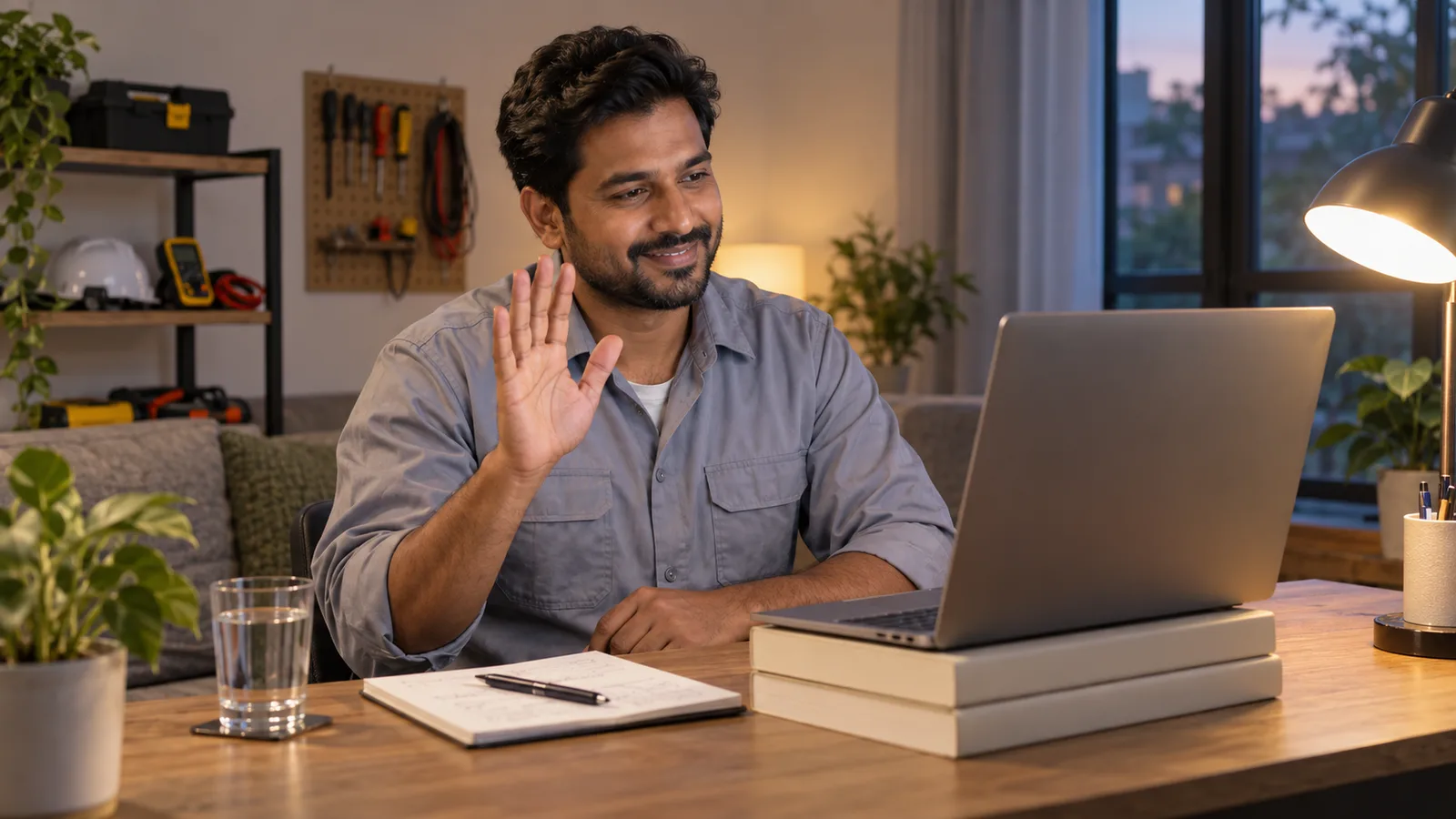
- Put the camera at eye level. Lift a laptop on books or a box.
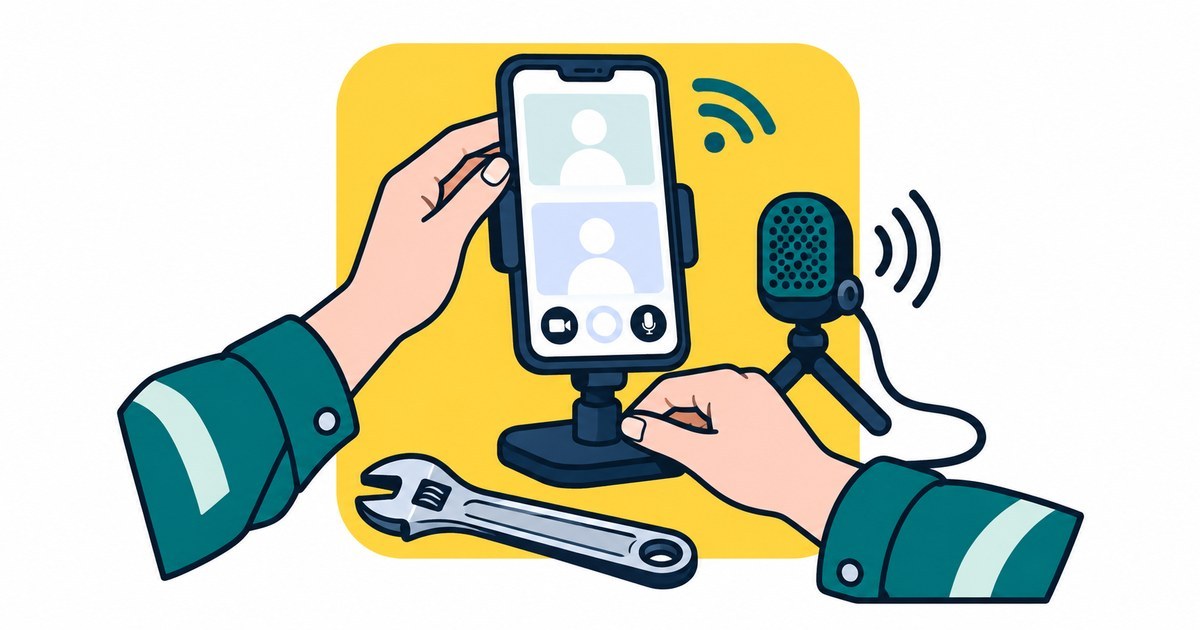
- Do not hold a phone in your hand. Lean it on something solid or use a stand.
- Turn a phone on its side, so the picture is wide like a laptop screen.
- Sit about an arm's length away. Your head and shoulders should be in the picture.
- Clean the lens with a soft cloth. Phone lenses get greasy.
- Look at the camera when you speak, not at your own face. To the interviewer, this looks like eye contact.
Light
- Face the light. In the daytime, sit facing a window.
- Never sit with a window or a bright lamp behind you. Your face will look dark.
- At night, put a lamp behind your screen so it shines on your face.
- Check the light at the same time of day as the interview. Because of time zones, that may be at night.
What is behind you
- A plain wall or a tidy part of a room is best.
- Remove washing, bottles and anything personal you do not want an employer to see.
- Make sure nobody walks behind you during the call.
- Be careful with a fake or blurred background. On a weak connection it can flicker around your head.
- Do not take the call in a car, a cafe or a noisy workshop.
- Wear clean, neat clothes. A plain shirt or a clean work shirt is fine.
Sound
Sound matters more than the picture. If the picture is poor, the interview can go on. If the sound is poor, it cannot.
- Use earphones with a microphone if you have them. They reduce echo and bring the microphone close to your mouth.
- If your earphones are wireless, charge them fully.
- Choose the quietest room. Close the door and windows. Turn off fans, the television and the radio.
- Tell your family the time of the interview. Ask them to stay out of the room.
- Turn off message and call sounds on every device in the room.
- Speak a little slower than normal. Video calls can cut off the ends of words.
- Wait one second after the interviewer stops talking. There is often a short delay on the line.
If you worry about how your English sounds on a call, read why your English does not need to be perfect.
Internet and a backup plan
- Sit close to the wifi router. If your laptop has a network cable port, use a cable.
- Ask people at home not to watch videos or play online games during the interview.
- Close other apps and browser tabs before you join.
- Prepare a backup. Have mobile data ready on your phone, and learn how to share it with your laptop. This is called a hotspot.
- Charge every device fully and keep it plugged in. If power cuts are common where you live, have a power bank ready.
- If your home internet is weak, ask to use a quiet room at a friend's house. Test it there first.
- Write the interviewer's email address or phone number on paper. You will need it if the call drops.
If something goes wrong during the call
Stay calm. Problems happen on video calls, and the interviewer knows this. These sentences help:
- "Sorry, the sound stopped for a moment. Could you say the question again, please?"
- "Your picture has frozen on my side. Can you still hear me?"
- "My internet is weak today. May I turn off my camera to keep the sound clear?"
- "I will leave the call and join again. Please give me one minute."
If the call fails completely, email or message the interviewer straight away. Apologise once, explain in one line, and ask to continue or to choose a new time.
Phone or laptop?
Use the one you know best and can keep still.
| Point | Phone | Laptop |
|---|---|---|
| Keeping it still | Needs a stand or something solid to lean on | Sits still on a table |
| Camera height | Easy to lift to eye level | Needs books or a box under it |
| Screen size | Small, so faces and shared documents are harder to see | Bigger, so faces and documents are easier to see |
| Internet | Can use mobile data if the wifi fails | Needs wifi, a cable or a phone hotspot |
| Interruptions | Calls and messages can break in, so turn on Do Not Disturb | Fewer interruptions, but close other programs |
If you have both, use the laptop for the call and keep the phone next to you as a backup.
The employer will tell you which app to use, for example Zoom, Microsoft Teams or Google Meet. Install it early on both devices. Open the app the day before to check that it works. Set your display name to your real full name, the same as on your CV.
Keep a few things within reach: a printed CV, the job advertisement, a pen, paper and a glass of water. Use the same CV you sent to the employer. If it needs an update before you send it, a CV maker can help you tidy it.
An employer may ask to see examples of your work. Have photos ready on your device. A profile where you show your real skills and work is also useful to send after the call.
Time zones
Check the time carefully. It is easy to get wrong.
- Read the invitation again. Which time zone is the time written in?
- Add the employer's city to the world clock on your phone.
- Check the date as well as the time. It may be a different day in your country.
- Some countries, such as Australia and Canada, have more than one time zone. Make sure you know which city the employer is in.
- Some places change their clocks during the year. This is called daylight saving. Check the time again the day before.
- Reply to confirm, and write both times: "I confirm the interview on [day] at [time] your time, which is [time] my time."
- Set two alarms. If the interview is in the middle of your night, wake up early enough for your voice and mind to be ready.
Do a test call
Do not let the real interview be the first time you use your set-up.
- Ask a friend or family member to call you on the same app the employer will use.
- Set up exactly as you will for the interview: the same room, the same device and the same earphones.
- Ask them five things. Can you see my whole face? Is my face bright or dark? Is my voice clear? Is there echo or noise? What can you see behind me?
- Answer two interview questions out loud, so they hear you speak for longer. A good one to use is your 60-second 'tell me about yourself' answer.
- Turn off the wifi and practise changing to your backup internet.
- Fix one thing at a time, then test again.
If nobody is free to help, record a short video of yourself on the same device and watch it back.
Practise the interview itself on InterviewTraining.ai
A good set-up only helps if your answers are ready too.
Mock Interview is a full timed interview. You choose 10, 15, 20 or 25 questions, and the mix of general and trade questions. It works on a phone or a laptop, so you can practise on the device you will use on the day.
You can turn on an optional self-view camera. It shows your own face in a small corner window, and it is never recorded, uploaded or stored. Use it to check your camera height, your light and what is behind you while you answer. Spoken answers work in Google Chrome and Microsoft Edge. Our how it works page explains each step.
Interview Presence will cover how to act in an interview: body language, voice, listening and good manners. That section is coming soon.
This is practice only. It helps you feel ready for the day.
Frequently asked questions
Is a phone or a laptop better for a video interview?
Use the one you know best and can keep still. A laptop has a bigger screen and sits steady on a table. A phone works well if it stands at eye level and Do Not Disturb is on.
Where should the camera be in a video interview?
Put the camera at eye level, about an arm's length away, so your head and shoulders are in the picture. Lift a laptop on books or lean a phone on something solid. Do not hold it.
What should I do if my internet drops during the interview?
Stay calm and join again as fast as you can, using mobile data if the wifi has failed. If you cannot join, email or message the interviewer straight away, apologise once and ask to continue.
How do I make sure I have the right time for an overseas interview?
Check which time zone the invitation uses, add the employer's city to the world clock on your phone, and reply with both times. Check again the day before, because some places change their clocks.
What should be behind me on a video call?
A plain wall or a tidy part of a room is best. Remove washing, bottles and anything personal, and make sure nobody walks behind you. Put the light in front of your face, not behind.
Topics
- Video interviews
- Interview checklist
- Online interview
- Tradespeople