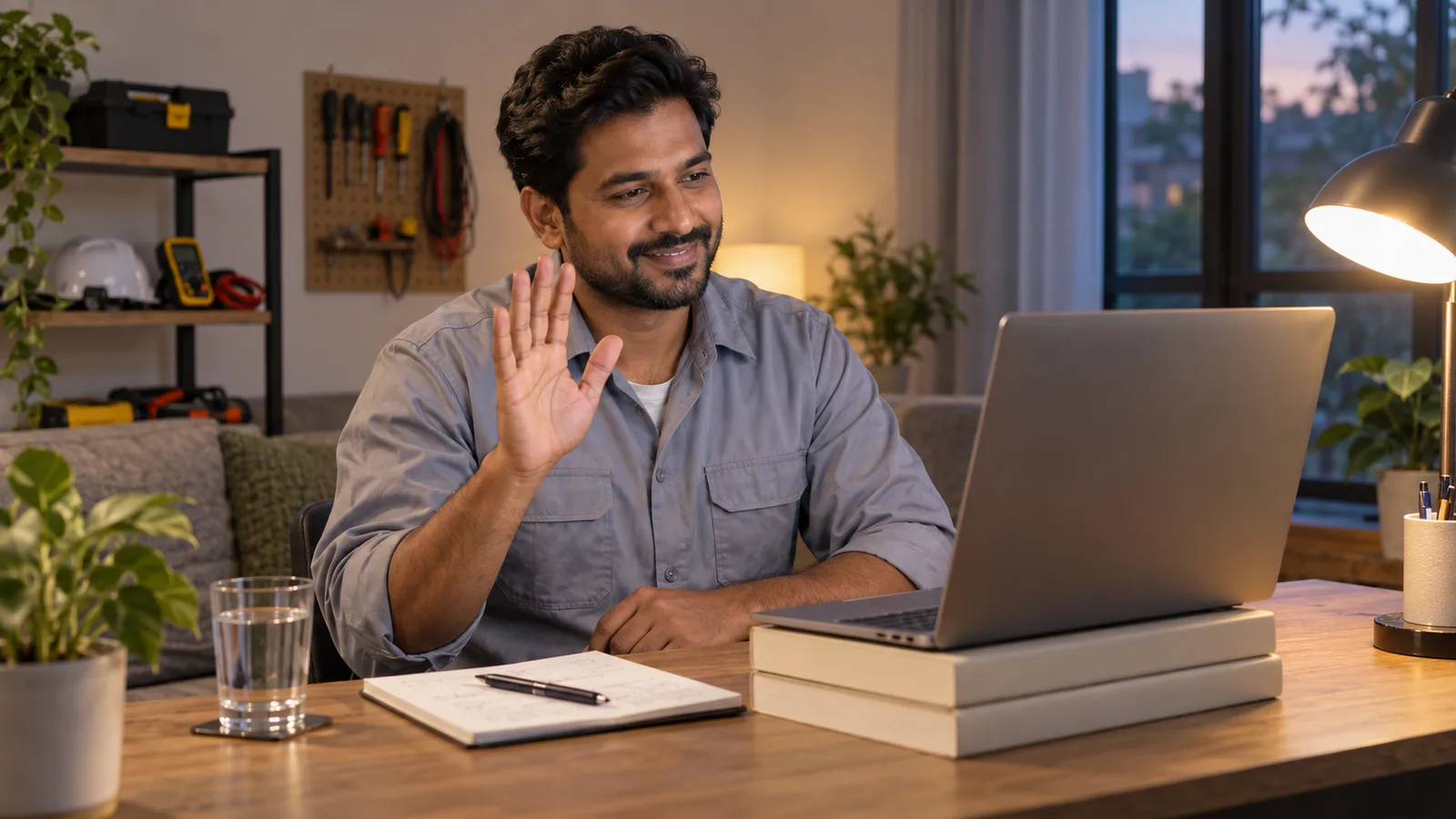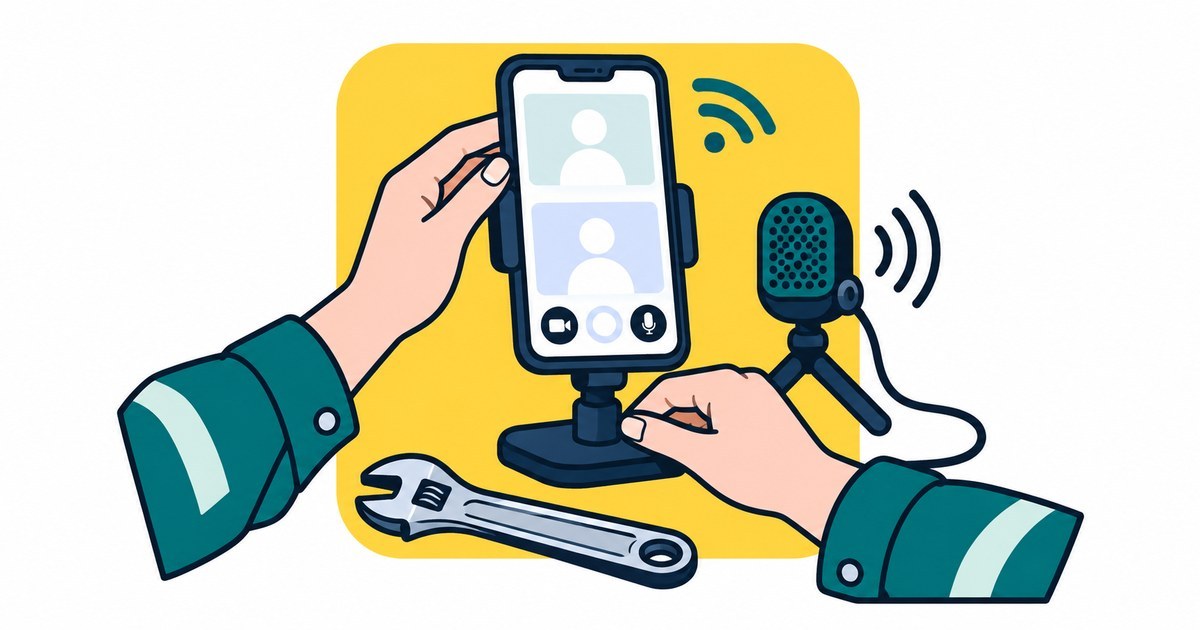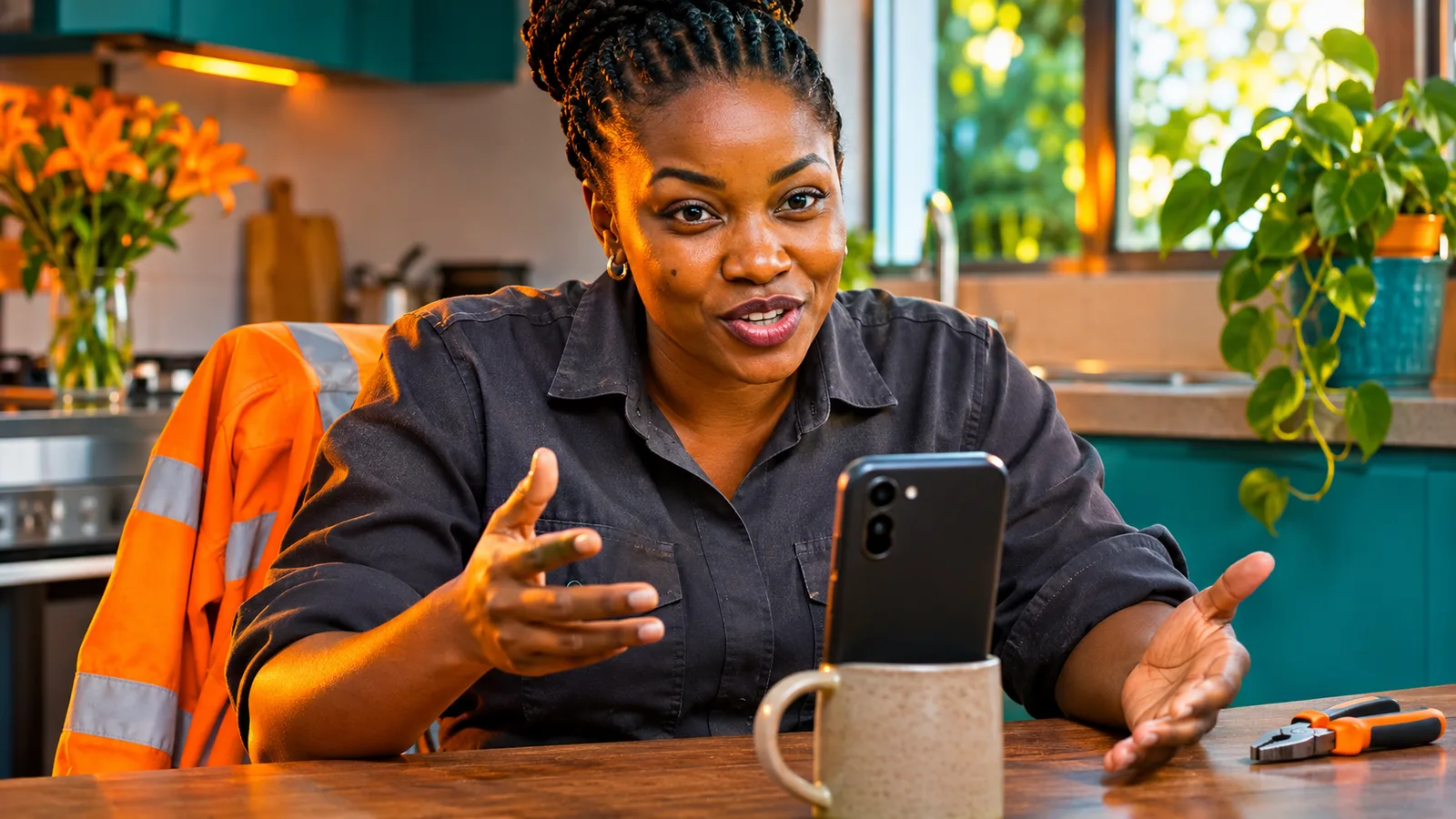
One way video interview tips come down to three habits: plan a short answer shape before you press record, speak to the camera lens, and use the thinking time you are given. In a one-way interview there is no person on the screen. You see a question, a timer starts, and you answer into a recording. This guide shows a simple shape that fits inside a timer, even when English is your second language.
What a one-way video interview is
A one-way video interview is also called a recorded or pre-recorded interview. The employer sends you a link. You open it on a phone or laptop, read or hear each question and record your answer. Nobody speaks back to you while you record.
Usually the employer watches the recording later. That means they cannot see you start to worry, and you cannot read their face to know if you are on track. You need your own plan instead.
Before the day, find out the format. The UK National Careers Service advises you to check before the interview whether it is in person, by phone or by video. For a recorded interview, read the invitation twice for the time limit, the number of questions and whether you can retake an answer.
Set up before you click the link
Most of the stress comes from the setup, so fix it first. Tahatū, the New Zealand government careers site, lists what to do for a video interview, and the same points work for a recorded one. You can read them on Tahatū's video and phone interviews page.
- Choose a quiet place with no distractions and silence your devices.
- Put the device at eye level and make sure your face is well lit.
- Test your camera, microphone and internet connection first.
- Keep your CV, interview notes and a glass of water near you.
- Check that the device is charged or plugged in.
The Australian Human Rights Commission's IncludeAbility guide adds one more useful point for online interviews: allow at least 30 minutes before the start to check your technology and background. You can see it on the IncludeAbility interview preparation page.
If you are a tradesperson at a worksite or in a shared house, a plain wall or a closed door is enough. You do not need a fancy room. Our guide to online interview tips for tradespeople covers the live version of the same setup.
Use the thinking time well
Many recorded interviews give you a short thinking time before the camera starts. If yours does, do not waste it on worry. Read the question again and pick one example from your own work.
The Australian Human Rights Commission says to take a moment to think through your answer and that it can help to write down the question, especially when it has more than one part. Tahatū also says you can take time to think and might say, "Oh, good question, let me think about this one." In a recorded interview you cannot say that out loud to a person, but you can do the same thing quietly before you speak.
If there is no thinking time, take one slow breath after the timer starts. A short pause sounds calm on a recording. A long silence does not, so keep it to one breath.
A short answer shape that fits a timer
A timer is easier when you know your plan. On InterviewTraining.ai the answer timer follows the English level you choose: Foundation gives 90 seconds for each answer, Working gives 75 seconds and Fluent gives 60 seconds. Real employers set their own limits, but those lengths show how short a good answer can be. Even 60 seconds is only a few short sentences.
Use four parts. They are a coaching shape, not an official rule.
| Part | What you say | Example for a welder |
|---|---|---|
| 1. Answer | One sentence that answers the question directly | "I weld structural steel, mostly with MIG." |
| 2. Example | One real job you did | "On my last site I welded the frames for a storage shed." |
| 3. Safety or quality | One thing you checked or kept safe | "I checked the joint fit-up and wore my face shield and gloves." |
| 4. Close | One sentence that links to the new job | "I would bring the same careful work to your workshop." |
Each part is one sentence. If the timer allows more, add a second sentence to the example, not a new topic. Stop when you have finished the fourth part. Silence at the end is better than rambling to fill the time.
For the common opening question, our guide to answering "tell me about yourself" in the trades gives sample words. The Australian Government's job interview advice lists the questions employers ask most often, such as "Can you tell me about yourself?", "What are your strengths?" and "Why do you want to work here?". Read them on its government job interview page.
For questions about what you did in the past, the Australian Government's interview advice and Tahatū both recommend the STAR method: Situation, Task, Action and Result. Squeeze it into the shape above: the situation and task are your example, the action is your safety or quality step, and the result goes in your close.
Speak to the camera, not the screen
This is the hardest habit. Your own face on the screen pulls your eyes away from the lens. Australia's Your Career guide says to look at the camera rather than at yourself or the interviewers, and Tahatū says looking at the camera gives virtual eye contact.
Try this: look at the lens while you speak, and glance at the question on the screen only between answers. Keep your hands calm and your voice a little slower than normal. For more on eyes and hands, see our guide to body language in an interview. The Interview Presence section of InterviewTraining.ai is coming soon.
If you have a phone, a short video of yourself talking about your work is good practice for staying relaxed on camera. SelfIntroVideo is built for recording a short introduction of yourself with a script and teleprompter.
Practise out loud with a timer
Reading answers in your head does not prepare you for a timer. You need to hear your own voice and see how far 60 or 90 seconds goes. The same Australian Government advice says it can help to practise your answers with someone you trust, and Your Career suggests practising out loud with friends or family.
InterviewTraining.ai gives you that practice at any hour. You watch an interviewer ask a question on video, answer out loud and get a score from 0 to 10, with what you did well, what to add and a stronger answer. It works on a phone or a laptop. Spoken answers work in Google Chrome and Microsoft Edge; in another browser, or if the microphone does not work, you can type your answer. The self-view camera is optional and is a preview that only you can see.
The site has seven practice sections. For a recorded interview, start with General Practice for personal questions, then try a full session in Mock Interview. Read how it works on the how it works page. It is practice only and is not linked to any government, visa authority, skills assessment body or employer.
If you want to polish your CV before the interview, Build AI CV can help you prepare it.
A seven-day plan for a recorded interview
- Read the invitation and write down the time limit, the number of questions and the deadline.
- Pick three real jobs from your work that you can talk about in the four-part shape.
- Write one line for each part on a small card, using key words only, not full sentences.
- Record yourself on your phone answering one question, then watch it with the sound on.
- Fix one thing only each time: the eyes, the pace or the length.
- Test your camera, microphone and internet with a friend, and set up your space.
- On the day, open the link early, breathe once and begin with part one.
Nerves on the day are normal. Our plan for the last hour before an interview can help you settle.
Common mistakes in recorded interviews
- Reading a script. It sounds flat and your eyes move left and right. Use key words only.
- Looking at yourself. Your eyes drift to the screen. Look at the lens.
- Starting the timer before reading the question. If you are allowed to read first, read it twice.
- Saying everything at once. A long answer with five ideas is hard to follow. Give one example.
- Going silent when you do not know. If a question is hard, answer the part you do know. Our guide on what to say when you do not know the answer has five honest lines.
- Doing the whole interview in a rush. Keep a steady pace, and do not skip the setup.
Frequently asked questions
Can I redo my answer in a one-way video interview?
It depends on the employer, so read the invitation before you start. Some recorded interviews give you a practice question and some do not. If the invitation does not say, assume you get one go and treat the first take as the real one.
Should I read from notes during a recorded interview?
Short notes are fine for most people, but a script is not. Tahatū, the New Zealand government careers site, suggests keeping your CV and interview notes near you for a video interview. Write a few key words only, so your eyes stay close to the camera and your voice sounds like you.
Where should I look when I answer a recorded question?
Look at the camera lens, not at your own face on the screen. Australia's Your Career guide and Tahatū both give this advice for video interviews. Put a small sticker next to the lens if you keep drifting to the screen.
What if my English is not perfect?
Short, clear answers are better than long, fast ones. On InterviewTraining.ai the marking does not take marks off for your accent, small grammar mistakes or simple words, so you can practise the same way. Speak slowly, use words you know well and name the tools and tasks you use every day.
Is a one-way video interview the same as a skills assessment interview?
No. A one-way interview is an employer's first screening step, and you talk to a recording. A trade skills assessment interview is a separate step with a qualified assessor, so read the instructions for each one separately and prepare for the format you were given.
Key takeaways
- Read the invitation first: the format, the time limit and whether you can retake an answer.
- Plan one four-part answer shape: answer, example, safety or quality, close.
- Look at the camera lens, not at your own face.
- Use any thinking time for one real example from your own work.
- Practise out loud against a timer, and test your camera and microphone before the day.
Topics
- one way video interview
- pre recorded video interview
- recorded interview questions
- timed interview answers
- video interview tips
- trade interview
- interview practice
- english for interviews